
EnghouseNavita MDM Solution: Control and Management for Corporate Mobile Devices
Take control of your mobile devices (cell phones, tablets, laptops, and desktops). Through Navita MDM, track usage time, perform remote updates, and have a complete inventory with details for each device.


Take control and manage yours Notebooks Cell phones Tablets
-
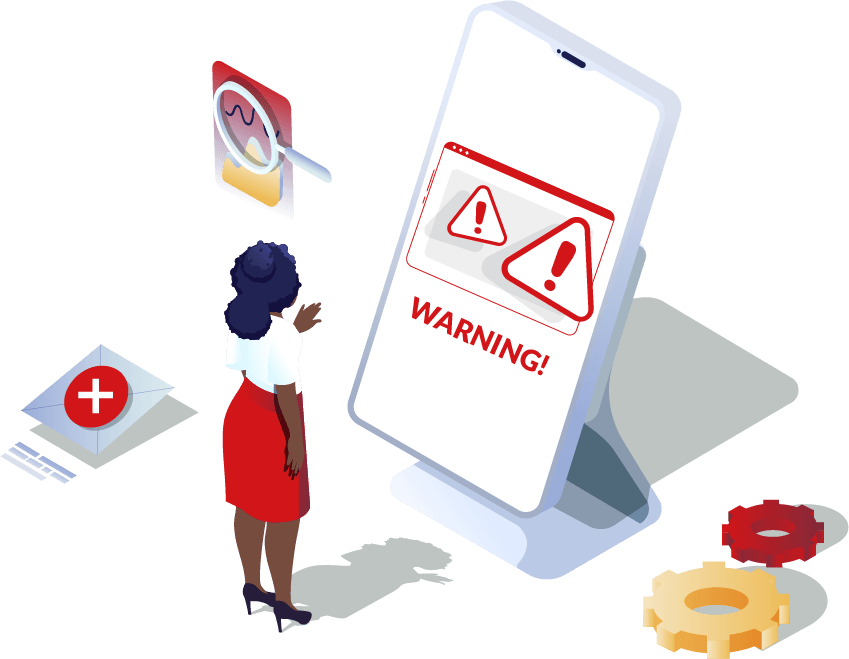
- schedule Excessive employee overtime
- location_disabled Device location not found
- restart_alt Wasting time reinstalling applications
- block Inability to send files to employees

- assignment Detailed inventory control
- schedule Device use only within permitted hours
- location_on Displays the last captured location of the device
- security Factory reset protection
- file_upload Upload different types of files from the devices
Monitor Hardware Standards comprehensively.
Beyond a simple GPO, you can perform complete monitoring of the hardware provided to your team, preventing changes to memory, hard drives, and other components, ensuring compliance and security of the devices.
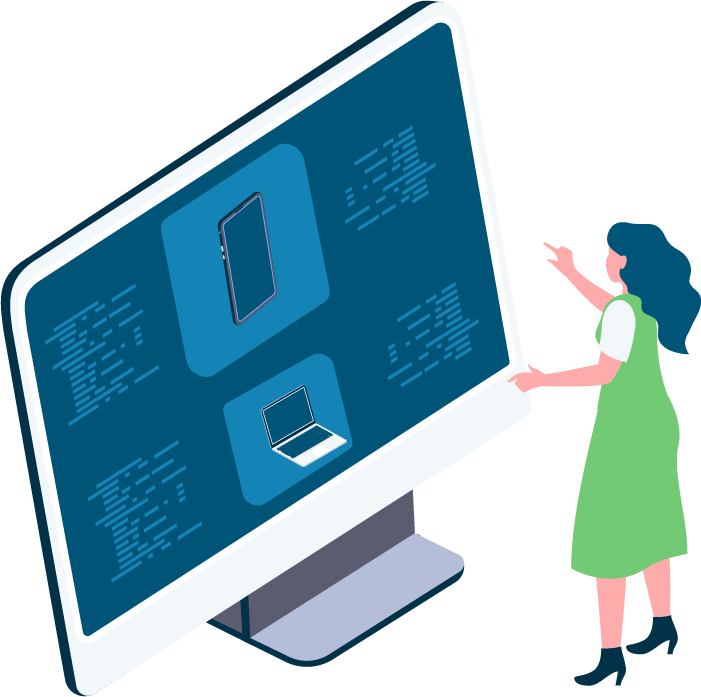

Do you know where your business equipment is located? Find it now!
With Navita MDM, it's possible to locate the device's location. Additionally, it stores the last locations the device was in for up to 30 days, allowing you to define where an employee can use the company device.
Do your employees watch movies at work?
Create a blacklist of applications, that is, block all apps considered unnecessary, such as social networks, streaming services, games, betting apps, APKs, and much more. Use the device solely for corporate purposes.
Are you still wasting time manually taking inventory of your devices?
Optimize your time and gain quick insights with a platform that shows the details of each device in your business, such as: IMEI, memory, battery level, and much more.
EnghouseNavita MDM + Mobile Devices = Control
Learn how Navita MDM ensures complete control of your business's corporate devices (cell phones, laptops, tablets, and desktops)
Time Fence:
Allows you to control the device’s operating hours according to the day of the week, allowing you to choose which applications you would like to block from being used.
Device Inventory:
Device inventory that displays device information such as IMEI, OS, activation date, SD memory, battery level, and so on.
Factory Reset Protection
Blocks the possibility of restoring a device to factory settings via settings.
System Update (OTA):
Allows you to control when operating system updates will be performed.
Corporate Repository:
This feature allows you to send different types of content to your devices, such as: files, videos, documents, among others.
Do not allow account modification
Blocks the possibility of adding or removing accounts.
Calls
Control over calls made by the device, recording phone number, call date and duration.
Furthermore, it is possible to ensure security to control productivity of the devices in your business
Request a free demo of the market-leading solution now.
Fill in your details and we will contact you shortly to understand your needs with a complete diagnosis for your company.
Do you still have any doubts?
Frequently Asked Questions (FAQ)