EnghouseSG MDM Solution: Security for corporate mobile devices
Keep your mobile devices (cell phones, tablets, laptops, and desktops) secure with EnghouseSG MDM and ensure the protection of your business data, preventing data leaks and potential cyberattacks.
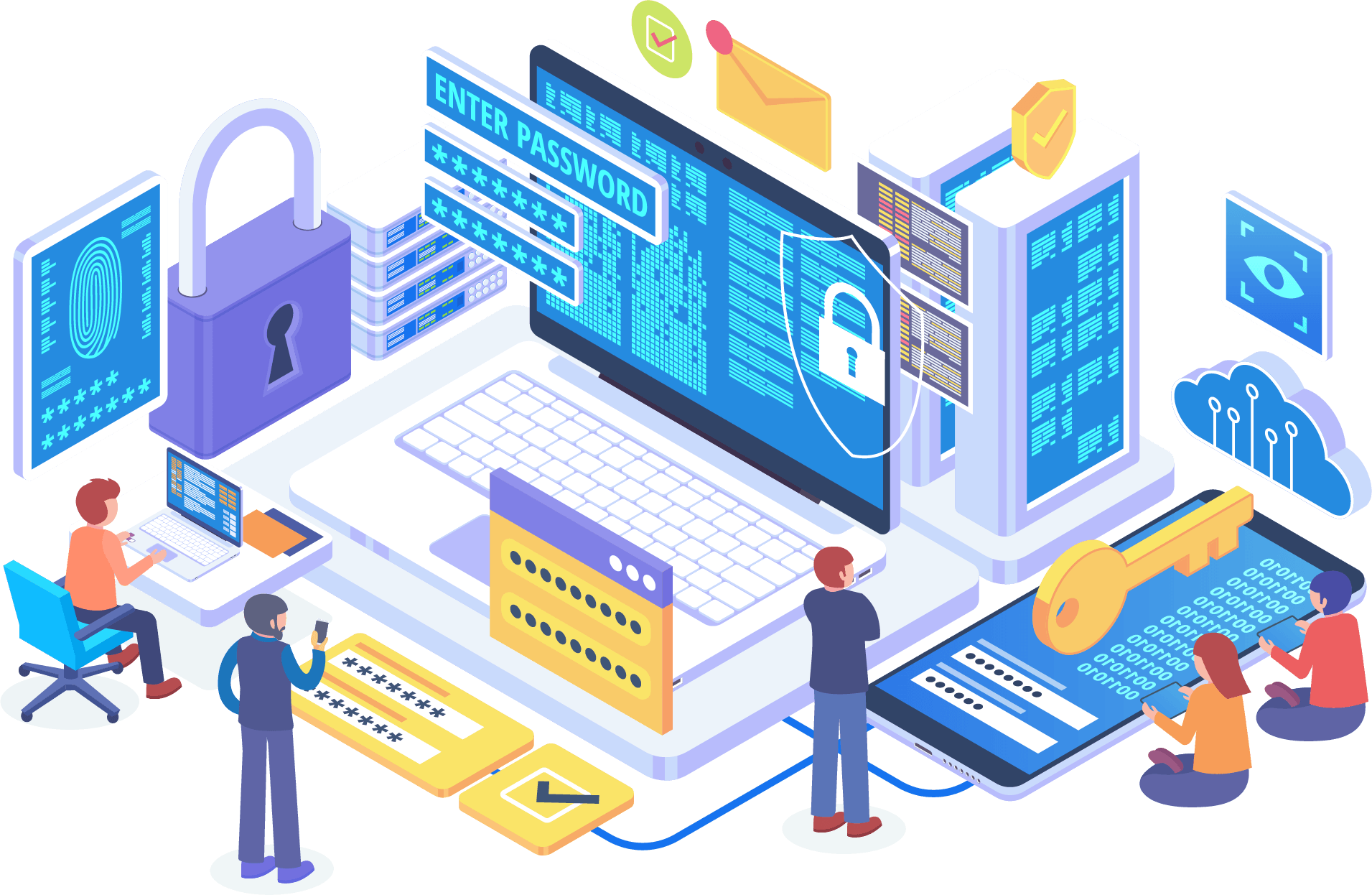

Complete protection for your Notebooks Cell phones Tablets
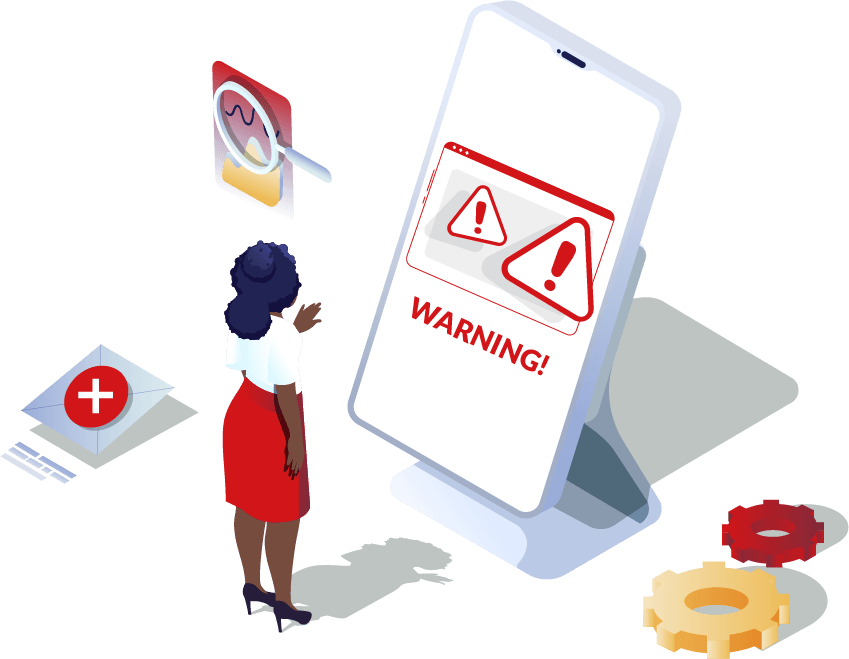
- Risk of data access in case of theft and robbery
- Permission to use the device in its entirety
- Leakage of corporate and personal information
- No pre-established policies for device use
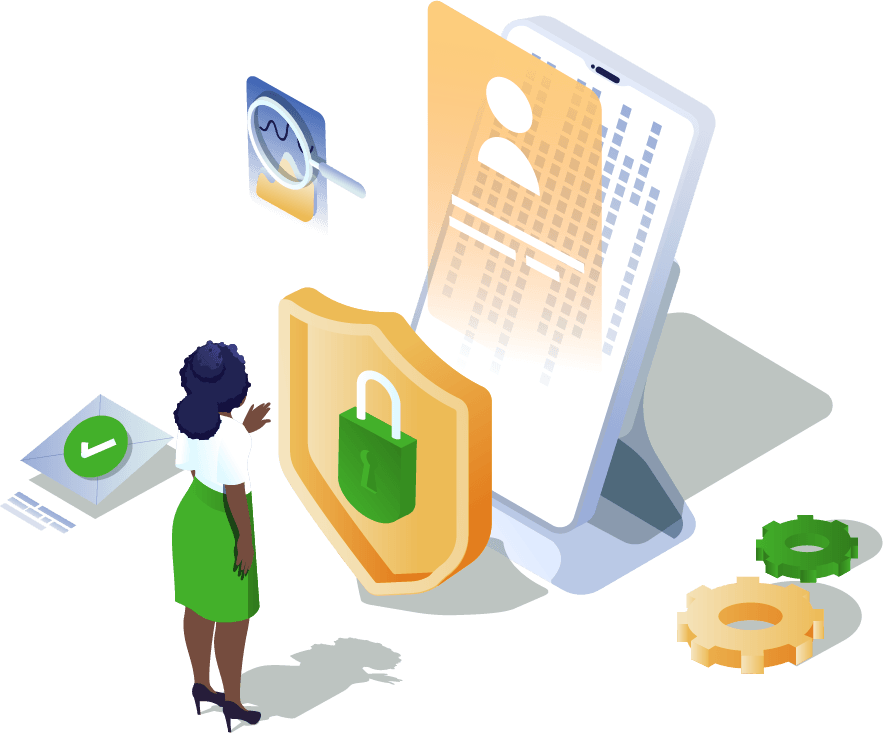
- Password control and protection policies
- Device location in the field and home office
- Distribute applications privately and by group
- Block or allow the use of features and applications
- Control the device's operating hours
Haven't you blocked inappropriate and pirated apps yet?
With the ever-increasing wave of data breaches, the use of password policies and app management is becoming necessary. This allows you to install only corporate apps, avoid pirated (cracked) versions, and block any malicious software.
Escape WhatsApp and SMS scams now!
Scams are frequent, but with the EnghouseSG MDM solution it's possible to control the device to prevent situations involving leaks of personal, corporate, banking, photo, video, and document data.
Prevent cyberattacks from compromising your business data.
Companies are increasingly suffering from this type of attack, making it necessary to ensure maximum protection for mobile devices. With EnghouseSG's MDM, it's possible to guarantee the comprehensive security of devices.

Robbery and theft increase by 34.81%.
In case of theft or robbery, EnghouseSG's MDM locks the device for use, guaranteeing total protection. It is possible to recover the device when it is turned on and location services are activated.
EnghouseSG MDM + Mobile Devices = Security
Learn how EnghouseSG MDM ensures the security of your business's corporate devices (cell phones, laptops, tablets, and desktops).
For Android, iOS, Windows and macOS:
- Protection against factory reset
- Enforce network date and time
- Allow/Block enabling Wi-Fi
- Allow/Block airplane mode
- Allow/Block screenshots
- Allow/Block enabling Bluetooth
- Allow/Block GPS configuration
- Allow/Block USB debugging
- Allow/Block mobile network settings
- Allow/Block date and time settings
- Allow/Block file transfer via USB
- Allow/Block wallpaper configuration
- Allow/Block accounts in managed Play Store
Kiosk Mode:
Creates a managed workspace that does not allow access to system settings, wallpaper changes, and other functionalities. An administrator password is required to exit kiosk mode, provided by the IT administrator.
Password Policy:
Allows defining a password configuration standard that requires the user to follow this rule on the device. This configuration is defined by the IT administrator.
Private App Store:
Allows the IT administrator to upload applications privately and distribute them to the required groups.
Location:
Displays the last captured location of the device.
Installation of apps from unknown sources:
Blocks the installation of applications from unknown sources.
Time Fence:
Allows you to control the device operating hours according to the day of the week, enabling you to choose which applications you want to block from use.
Authorized Accounts:
Manage authorized email accounts required to activate devices after a factory reset.
Furthermore, it is possible increase productivity take control of the devices in your business
Request a free demo of the market-leading solution now.
Fill in your details and we will contact you shortly to understand your needs with a complete diagnosis for your company.
Do you still have any doubts?
Frequently Asked Questions (FAQ)