




Navita MDM Solution: Enterprise mobile device manager.

Control and keep your business secure. With MDM, you can manage and control mobile devices (cell phones, tablets, laptops, and desktops). Optimize and increase your business productivity with the best platform on the market.

Controle
Produtividade
Segurança

Operating systems we support:

Certificates acquired through the EnghouseMDM solution:

We are a market leader.

With EnghouseNavita MDM, your business gains more security, control, and productivity!

Without MDM
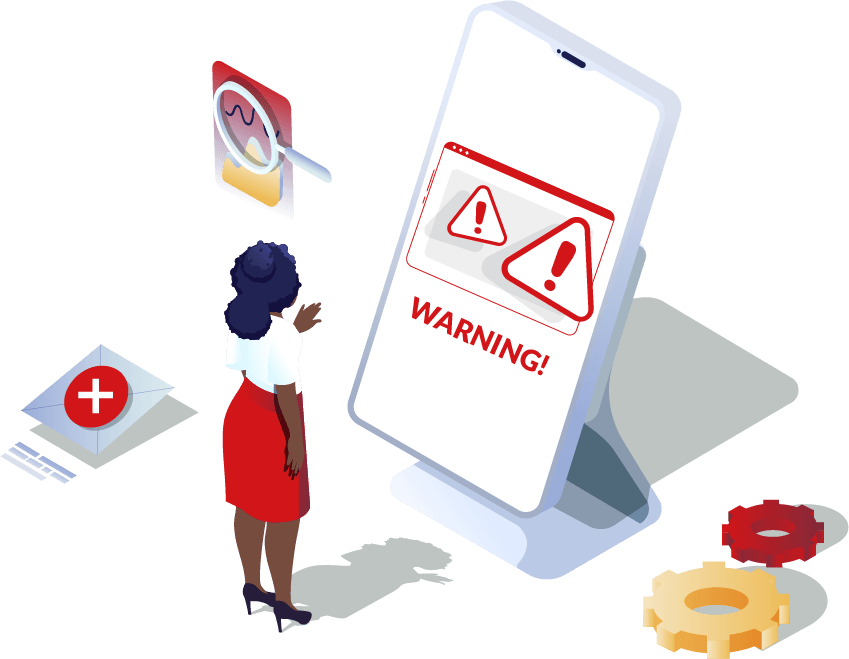
  • Risk of data access in case of theft or loss
  • High costs with mobile data plans
  • Information leakage
  • Outdated applications
  • Uncontrolled device inventory
With MDM
  • Full control of the device fleet
  • Real-time location of devices in the field
  • Controlled and up-to-date applications
  • Mobile data consumption control
  • Security and protection policies

What exactly is EnghouseNavita's MDM?

The Navita MDM solution is a complete platform that manages cell phones, tablets, and laptops easily and quickly. In just a few steps, you can make your devices more secure and ready to operate exclusively for corporate use.

How does EnghouseNavita's MDM solve your problems?

Learn how Navita MDM gives you the autonomy to have simplified control and management, providing robust security and increasing your team's productivity. (Mobile phones, Tablets, Notebooks, Chromebooks, Data collectors and Desktops)

Safe Switcher for Elementor
Laptops

Full control of notebooks and Chromebooks with simplified management, encryption, and continuous compliance.

(Windows, macOS, and ChromeOS).

Meet our customers

Testimonial Carousel

Do you still have any doubts?

Frequently Asked Questions (FAQ)

How do I purchase the device manager product?
It’s simple and easy, just contact us through our Sales Center.
What is MDM?
MDM, or Mobile Device Management, means Mobile Device Management. This term is associated with EMM, which in practice performs the same service. MDM software can manage cell phones, tablets, and laptops, aiming to provide greater security, control, and productivity for the corporate environment. Learn more.
What is EMM?
EMM stands for “Enterprise Mobility Management,” which involves managing mobile devices such as cell phones, tablets, and laptops, and the information contained on each device. Learn more.
Which operating systems can I manage with MDM?
Navita MDM/EMM is capable of managing Android devices running operating system version 6 or higher, and Apple devices running iOS 9.
What is MDM kiosk mode?
Kiosk mode is a setting that allows access to one or more applications, but restricts it to work-related activities only. Access to settings, the app store, and the notification bar can be restricted. Also called “single app mode”. Learn more.
What is supervised mode in MDM?
This is a special mode that provides the Navita EMM administrator with more control over a device than is normally allowed. Supervised mode is intended for use on company-owned devices.
What is time fencing (usage control by time) in MDM?
This is a Navita EMM configuration that allows corporate applications to be made available during specific hours, such as between 9 AM and 6 PM on weekdays. The administrator can easily and visually configure the period and days. This helps reduce the risk of labor lawsuits, as employees cannot claim they worked outside of designated hours.