
--------------------------------------------------------------------

Enghouse MDM Solution: Increased productivity for corporate mobile devices.

With increased productivity, you achieve high-level performance. EnghouseSG MDM makes it possible to reach this scale by managing apps, data consumption, permissions, and much more.

Increase productivity with EnghouseSG MDM for Notebooks Cell phones Tablets

Without EnghouseSG
  • warning Outdated applications
  • data_usage High mobile data costs
  • phone_in_talk Calls outside working hours
  • apps Unnecessary apps and access to websites
  • videocam Camera and video access for personal use
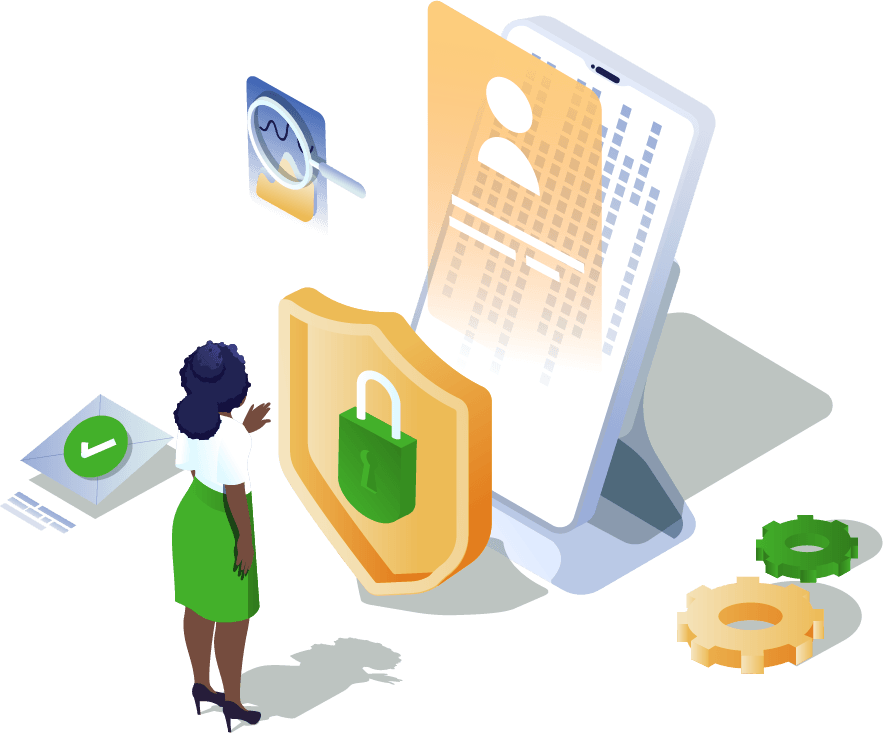
With EnghouseSG
  • system_update Apps and OS remotely updated
  • bar_chart Data usage control per device
  • history Call history on the device
  • verified_user Allow only corporate apps
  • no_photography Block camera and video, preventing distractions
Prevent the installation of Instagram, Netflix, Games, Pirated Apps and Gambling Apps.

Keep your employees productive and prevent the installation of apps such as games, movies, social media, gambling, and even pirated software. With this optimization, you save time and eliminate external distractions for better performance.

Do you have uncontrolled mobile data usage?

Ensure your team doesn't waste mobile data on unnecessary apps that aren't used for business purposes. This can reduce costs and lead to more efficient production and high-level performance.

Are you still paying excessive overtime?

Control the time limits for corporate mobile devices your business owns and prevent employees from responding to emails and using apps outside of the hours designated by the company.

Silent and remote installations and updates.

While the employee works on their mobile device, it's possible to remotely perform updates and install necessary applications, saving time and eliminating the need to bring the device in for these adjustments, thus preventing service interruptions.

EnghouseSG MDM + Mobile Devices = Productivity

Learn how EnghouseSG MDM ensures complete control of your business's corporate devices (cell phones, laptops, tablets, and desktops)

Data Usage:

Control your device’s data consumption by separating mobile data and Wi-Fi usage, displaying consumption per application.

Calls:

Monitor calls made from the device by recording the phone number, call date, and duration.

Default Permissions:

Define default permission settings for applications.

Disable Camera Activation:

Blocks the ability to activate the camera for taking photos and recording videos.

App Management:

Allows you to manage which apps employees can have on corporate devices, preventing access to social media.

Furthermore, it is possible to provide security to carry out the control. of the devices in your business

Request a free demo of the market-leading solution now.

Fill in your details and we will contact you shortly to understand your needs with a complete diagnosis for your company.

Do you still have any doubts?

Frequently Asked Questions (FAQ)

How do I purchase the device manager product?
It’s simple and easy, just contact us through our Sales Center.
What is MDM?
MDM, or Mobile Device Management, means Mobile Device Management. This term is associated with EMM, which in practice performs the same service. MDM software can manage cell phones, tablets, and laptops, aiming to provide greater security, control, and productivity for the corporate environment. Learn more.
What is EMM?
EMM stands for “Enterprise Mobility Management,” which involves managing mobile devices such as cell phones, tablets, and laptops, and the information contained on each device. Learn more.
Which operating systems can I manage with MDM?
Navita MDM/EMM is capable of managing Android devices running operating system version 6 or higher, and Apple devices running iOS 9.
What is MDM kiosk mode?
Kiosk mode is a setting that allows access to one or more applications, but restricts it to work-related activities only. Access to settings, the app store, and the notification bar can be restricted. Also called “single app mode”. Learn more.
What is supervised mode in MDM?
This is a special mode that provides the Navita EMM administrator with more control over a device than is normally allowed. Supervised mode is intended for use on company-owned devices.
What is time fencing (usage control by time) in MDM?
This is a Navita EMM configuration that allows corporate applications to be made available during specific hours, such as between 9 AM and 6 PM on weekdays. The administrator can easily and visually configure the period and days. This helps reduce the risk of labor lawsuits, as employees cannot claim they worked outside of designated hours.